/
AWS Getting Started - Selecting an AMI
AWS Getting Started - Selecting an AMI
- Former user (Deleted)
- Sean Hastert
- Tom Sheffield (Unlicensed)
Owned by Former user (Deleted)
Last updated: Apr 13, 2023 by Sean HastertVersion comment
The primary consideration for determining which SoftNAS AMI is right for you is usage. Each version of SoftNAS provides an enterprise-class, full-featured cloud NAS filer. However, the amount of storage supported is dependent on the version/license selected.
In the AWS Marketplace, you are provided with the following options:
- SoftNAS - SoftNAS is a software-defined, full-featured enterprise cloud NAS filer for primary data using either block, object or both types of storage. It provides an integrated global cloud data platform, combining a software-defined enterprise-class NAS virtual storage appliance, backups and data movement; and data integration/replication for IT to manage and control data centrally. Customers save time and money while increasing efficiency.
- SoftNAS BYOL - Buurst does offer unlimited licenses for larger storage requirements, but these require the purchase of a BYOL (Bring Your Own License) version by contacting the SoftNAS’ sales team.
From the Marketplace
- To select your AMI from the AWS Marketplace, go to https://aws.amazon.com/marketplace and log into your AWS account.
- Type SoftNAS in the search bar, and perform the search.
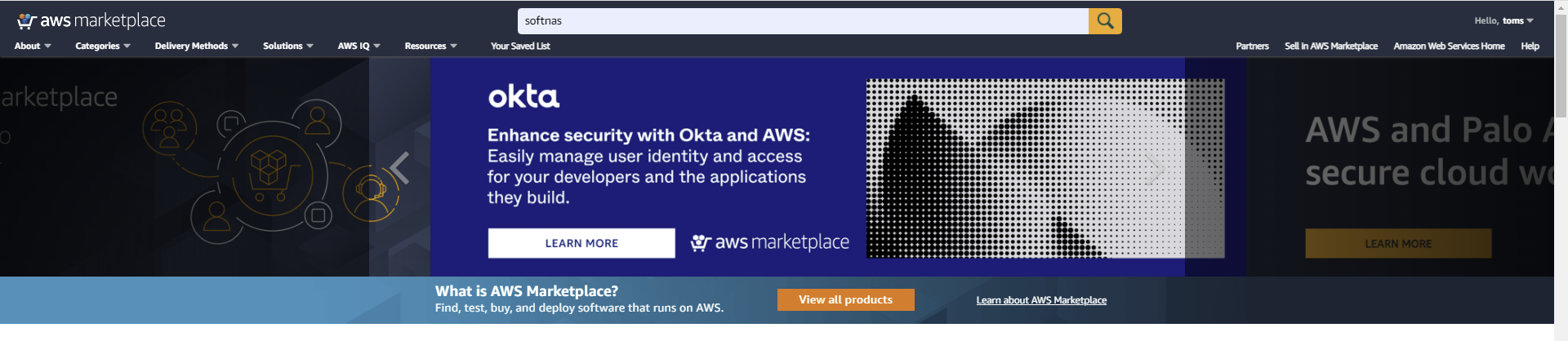
- Select the desired AMI from the list presented, based on the guidance provided at the top of this page.

- Once your selection is made, click Continue to Subscribe.

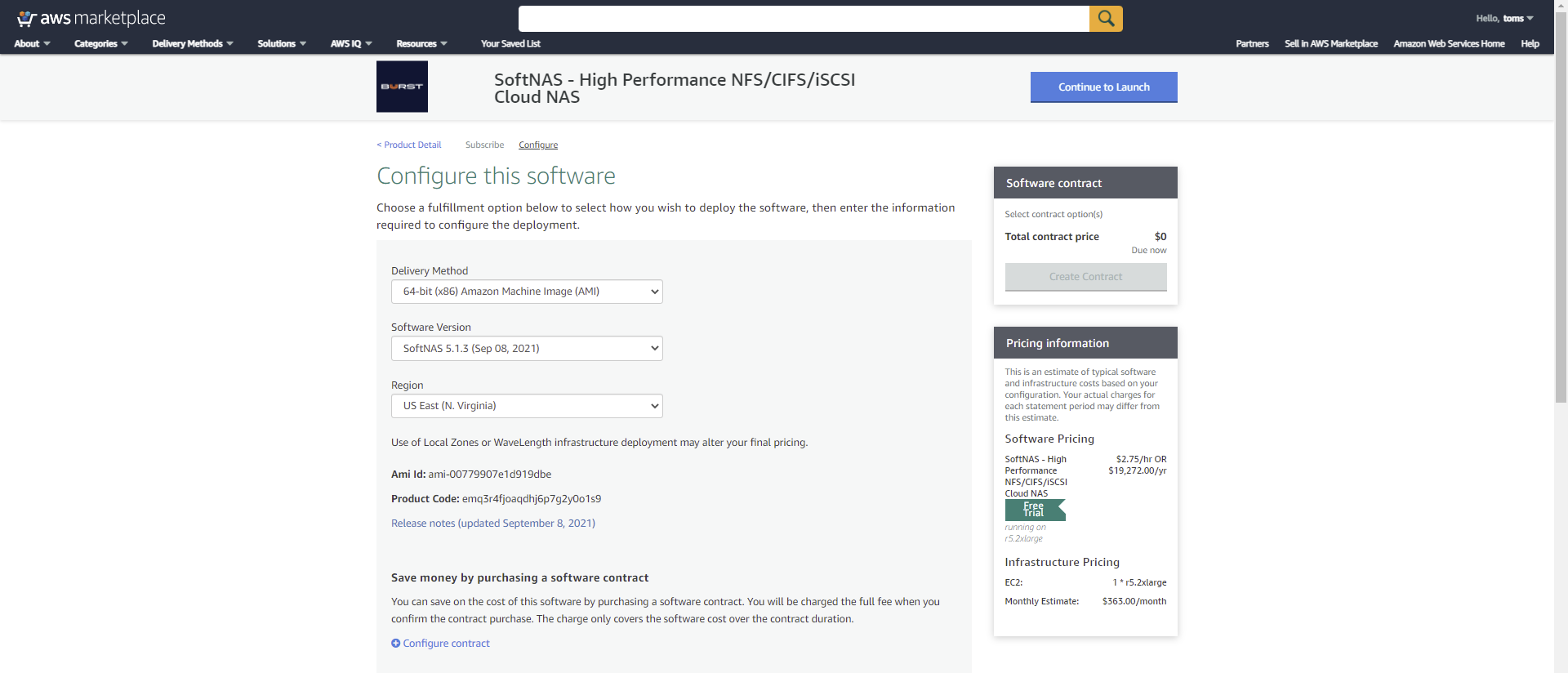
- Next, configure the software.
- Keep the default Fulfillment Option 64-bit AMI selection.
- Select the latest version. This should be the default selection.
- Select the region you wish your instance to reside in.
- Click Continue to Launch once your selections are made.
- Select Launch through EC2 (NOT Launch from website) and click Launch.
Upon clicking Launch, you will be taken to step 2 of the Launch Instance Wizard, choosing an instance type (size). The creation and initial configuration of your instance is continued in AWS Getting Started - Creating Your Instances.

Related content
AWS EC2 Information and Considerations
AWS EC2 Information and Considerations
More like this
AWS Instance Creation
AWS Instance Creation
More like this
Creating an AMI of the root volume/root Volume and Data disks in AWS
Creating an AMI of the root volume/root Volume and Data disks in AWS
More like this
AWS: Adding EBS Disks
AWS: Adding EBS Disks
More like this
AWS Getting Started - Create your SoftNAS Instances
AWS Getting Started - Create your SoftNAS Instances
More like this
AWS Getting Started - Create your SoftNAS Instances in GovCloud
AWS Getting Started - Create your SoftNAS Instances in GovCloud
More like this