Pool(s) reconstruction with the desired pool size and geometry in an HA pair
- Admin
Owned by Admin
Symptoms
This KB article is geared towards customers who deployed an HA pair but later realized that they need to reconstruct their pool due to resizing needs or simply want to move from an s3/smartier pool to a standard pool backed my block devices.
Purpose
This step by step guide will help you reconstruct a SoftNAS pool to aligned with business needs!
Resolution
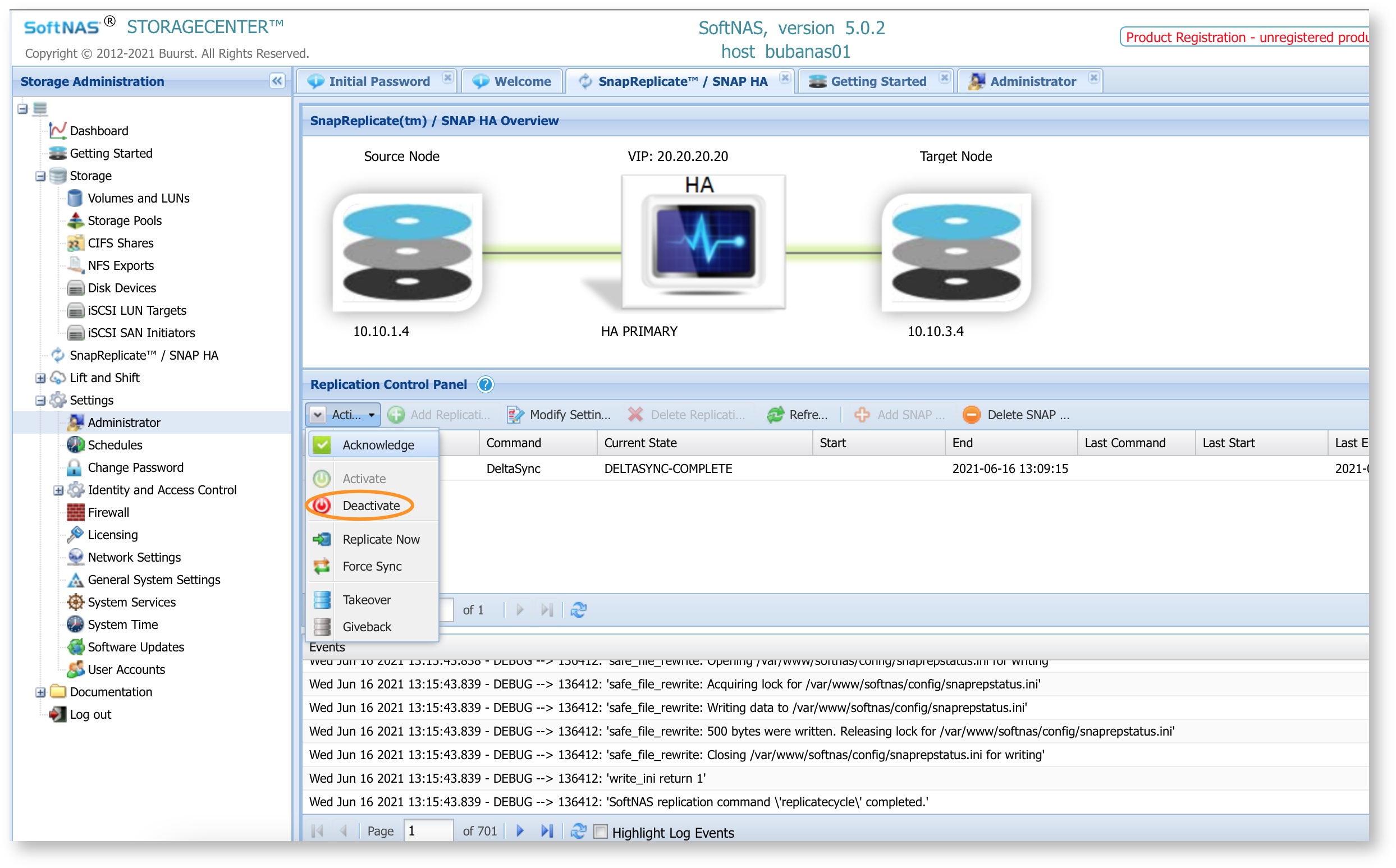
- On the Primary node deactivate SnapHA from UI — > SnapReplicate/ Snap HA —> Action —> Deactivate
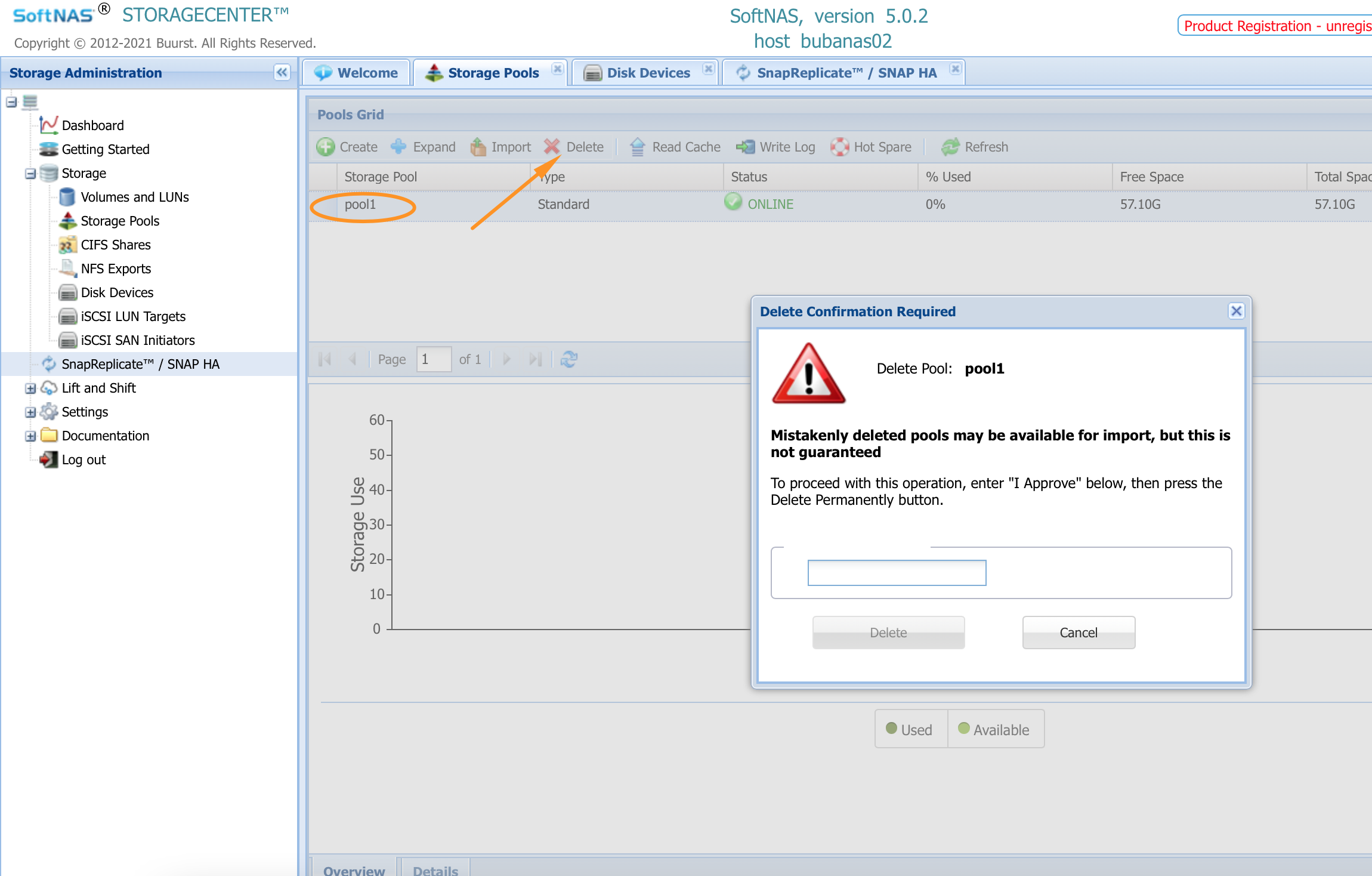
- On the Target node delete all pools that needs reconstruction
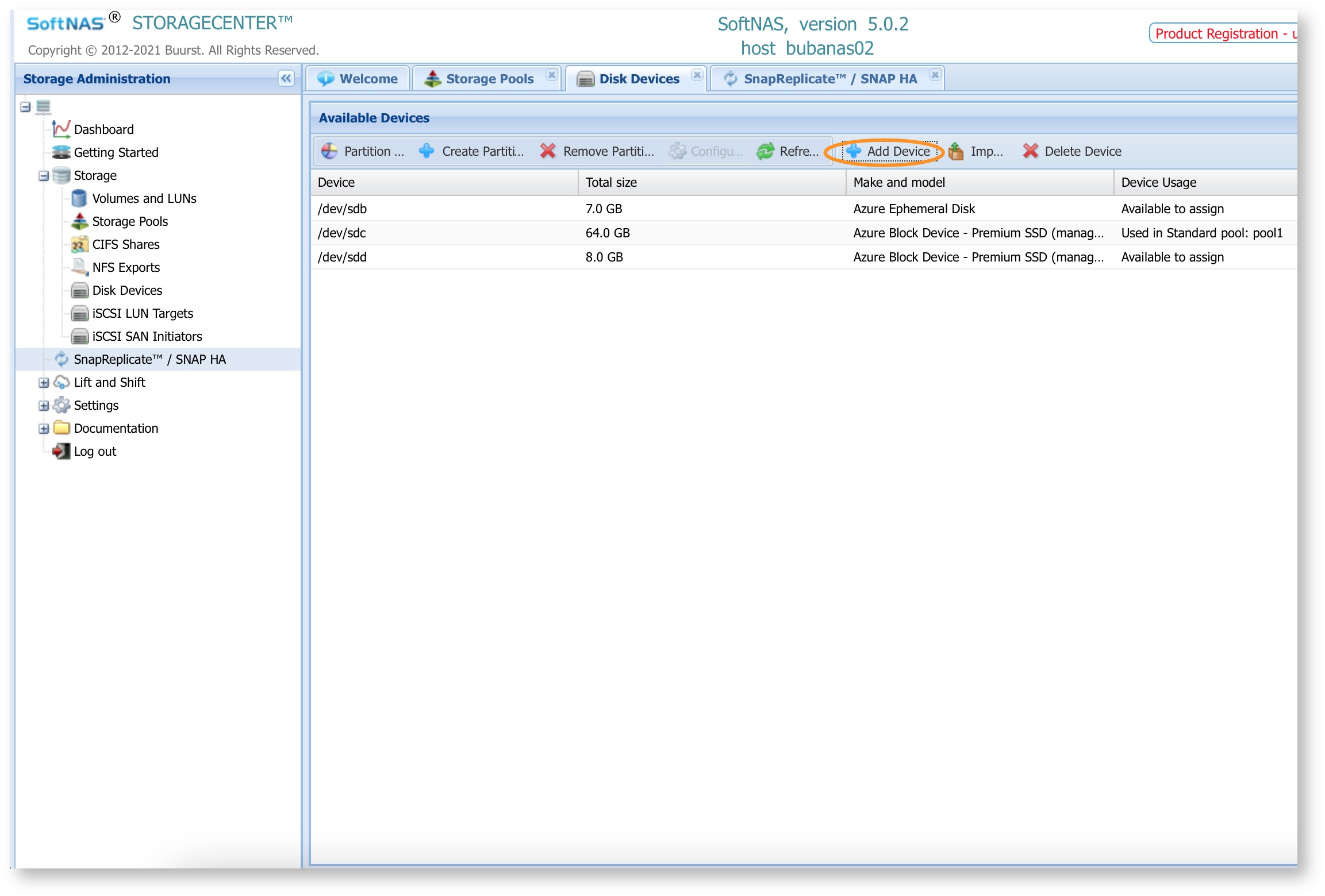
- If you need different disk sizes then delete the existing disk devices and create new ones with the desired storage technology (AWS= gp2/gp3/st1 etc Azure=Premium SSD, Standard SSD, HDD) and size
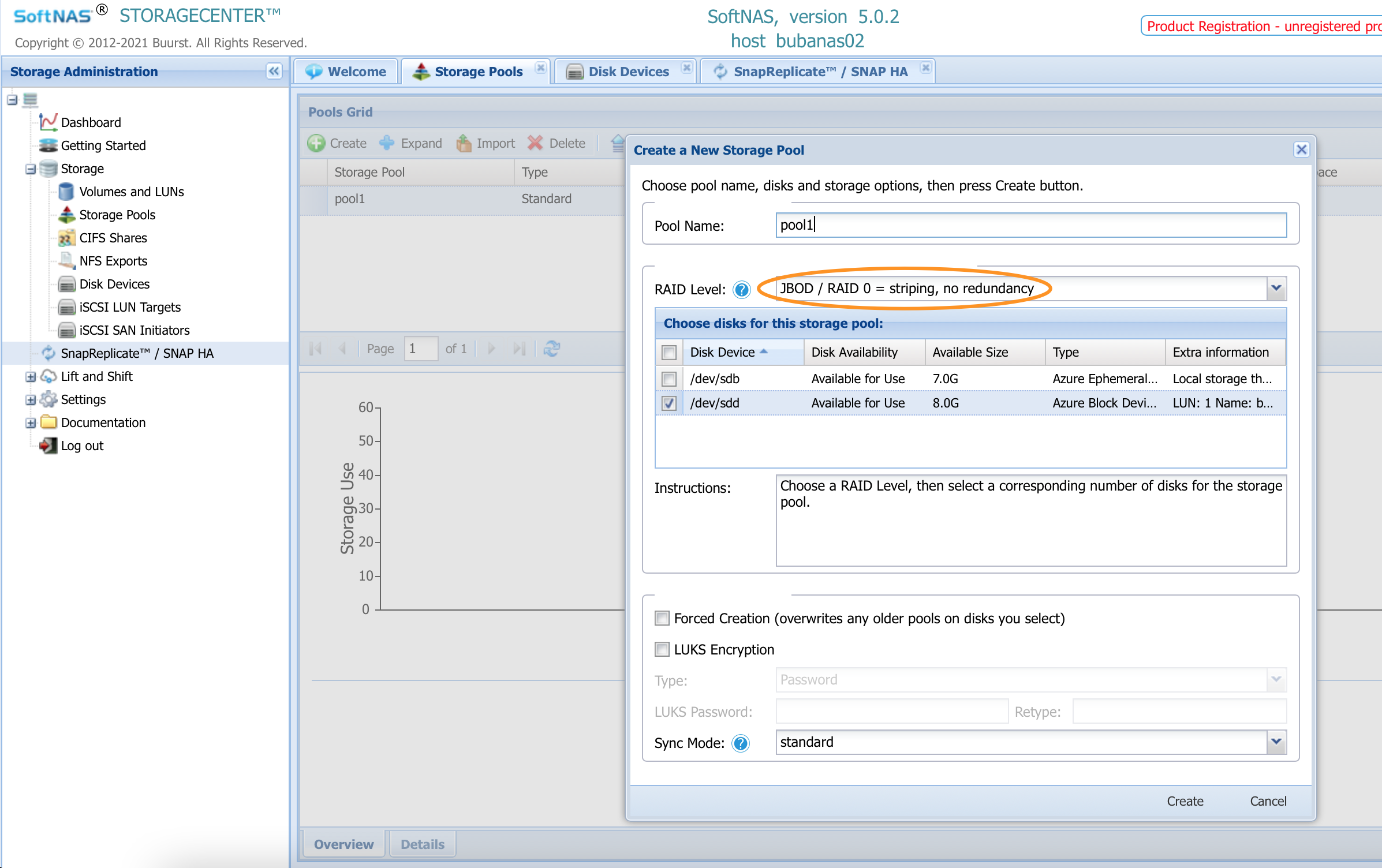
- Create a new pool with the same name as your previous pool using raid-0 (recommended for performance) or any raid level of your choice
- Activate replication from Source. This will kick off a full mirror
- Allow replication to complete 100%
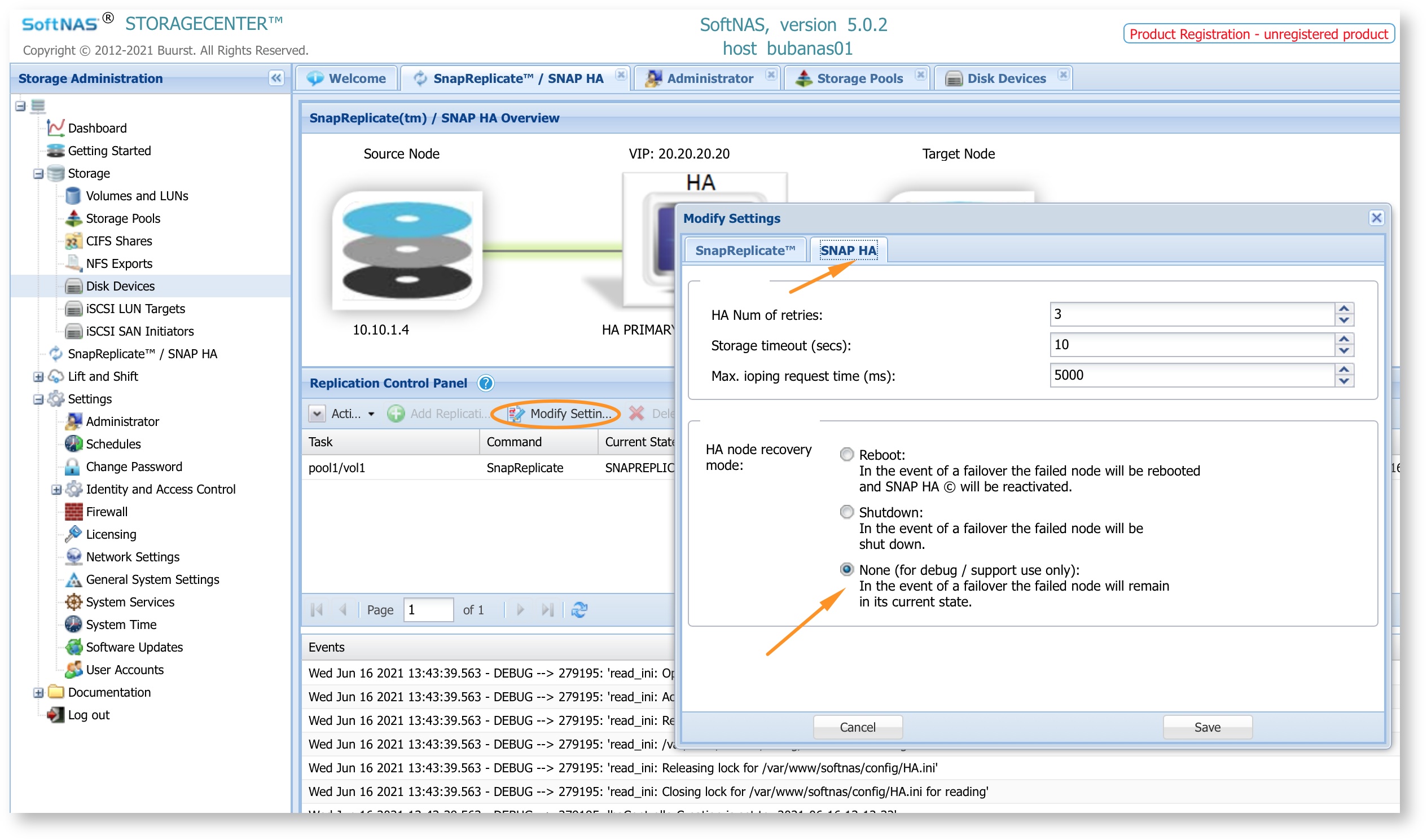
- Make sure your HA recovery mode option is set to none. This will ensure that the source node will stay online post failover to faster continuity of the migration process
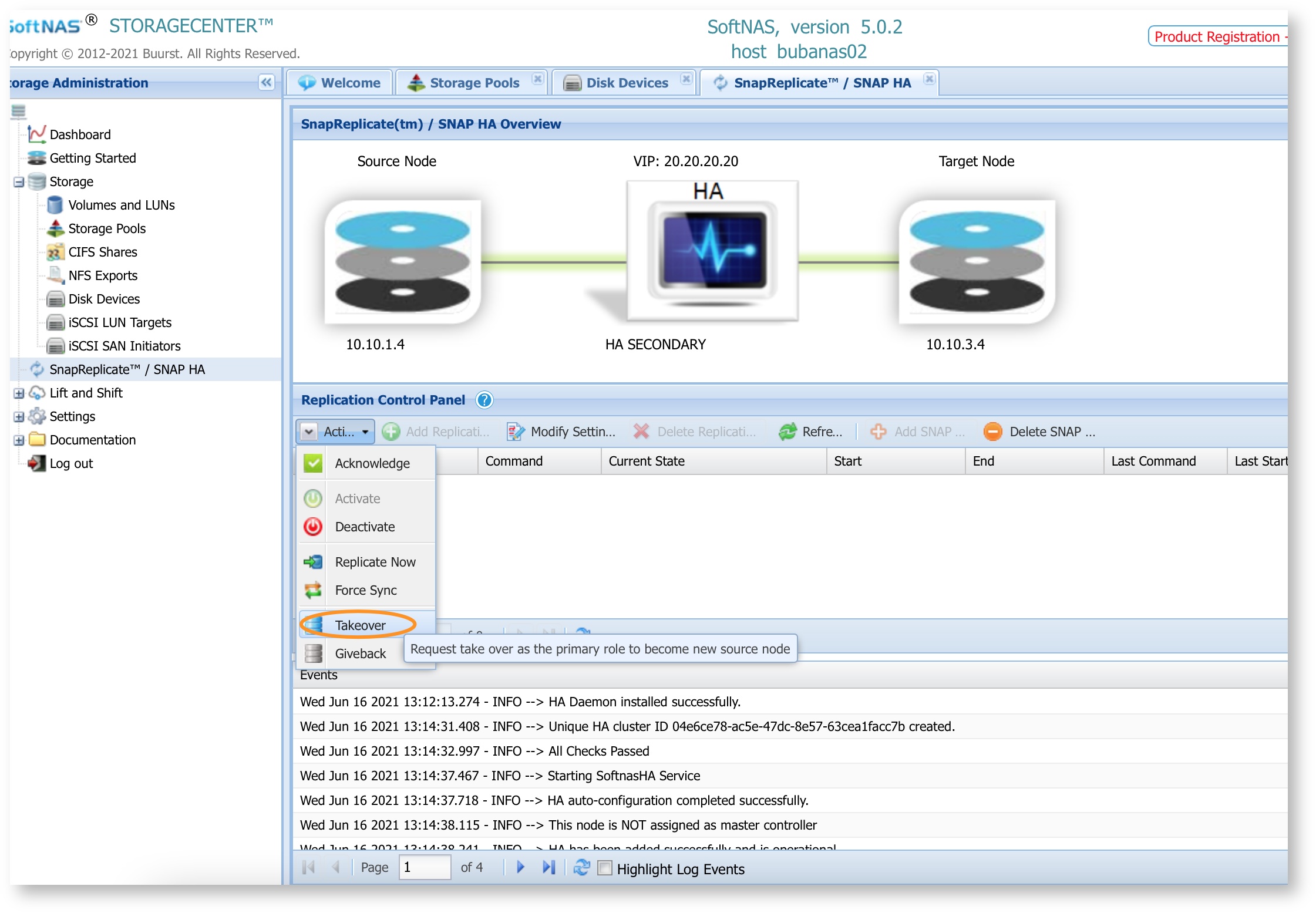
- Perform a failover by going to the Replication panel from target —> action —> Takeover
- Perform steps #2 to #5 on old source which is now new target
- Monitor the replication progress
- Done
Additional Information
links to other forms of migration can be found here:
SoftNAS KB
Outage required: (if applicable)
No outage is required